Upload Image
Start by uploading your image to convert it into Minecraft blocks. Upload Main Image:
Tile Size
Dimension in px:Build Mode
Discover Minecraft Art Generator: Transform Images into Epic Pixel Art
Welcome to MinecraftArt.com, the ultimate free online Minecraft pixel art generator! Turn any photo, meme, logo, or artwork into breathtaking block-based masterpieces ready for your Minecraft world. Perfect for builders, YouTubers, server owners, and fans—create massive portraits, landscapes, or icons in minutes, not hours.
Why MinecraftArt.com Stands Out in 2025
Minecraft pixel art remains a cornerstone of creative expression, from Reddit mega-builds to viral X posts. But plotting colors manually? Forget it! Our AI-powered tool scans your image, matches pixels to over 800 vanilla blocks (including 1.21+ updates like copper bulbs, tuff variants, and cherry wood), and generates precise layouts. No mods needed—works seamlessly in vanilla survival, creative, or multiplayer.
Fully updated for Minecraft 1.21 Tricky Trials and beyond, we incorporate the latest palettes for vibrant, accurate renders. Competitors like MCStacker or MinecraftShapes are great, but our intuitive interface, real-time previews, and one-click exports make us the top choice for speed and quality.
Packed with Powerful Features
- Advanced Block Matching: Intelligent algorithm picks closest vanilla blocks, with optional dithering for smooth gradients and transparency support for glass/effects.
- Customizable Scale: Choose tile sizes from 1x1 (ultra-detailed) to 64x64 (epic murals spanning hundreds of blocks).
- Multi-Format Exports:
Format Use Case /fill&/setblockCommandsInstant single-player or server builds Schematic Files WorldEdit/ Litematica import Image Maps Item frame galleries Printable Blueprints Offline plotting - Version Selector: Tailor for 1.16+ to latest snapshots.
- Batch Processing: Upload multiple images at once.
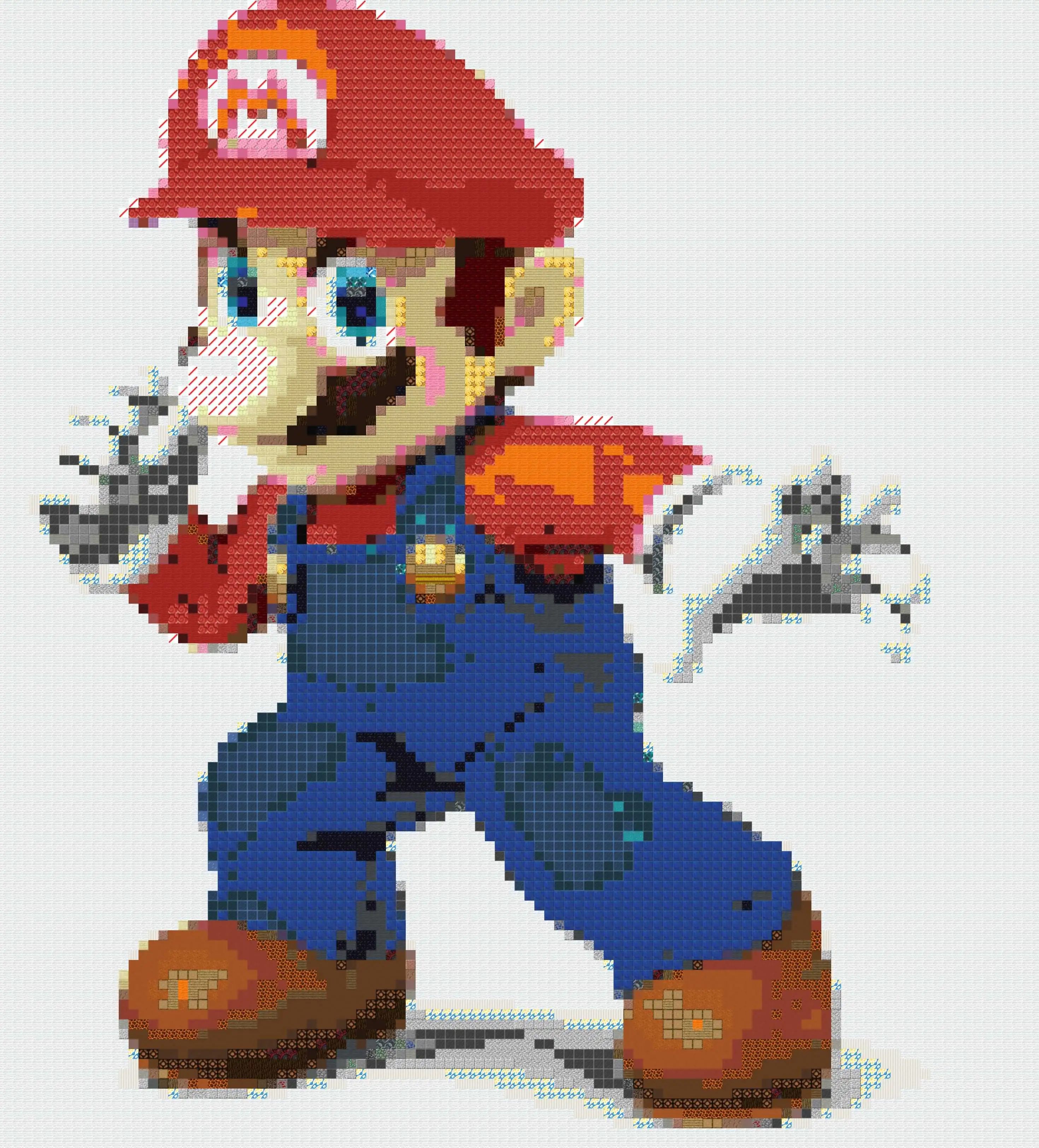
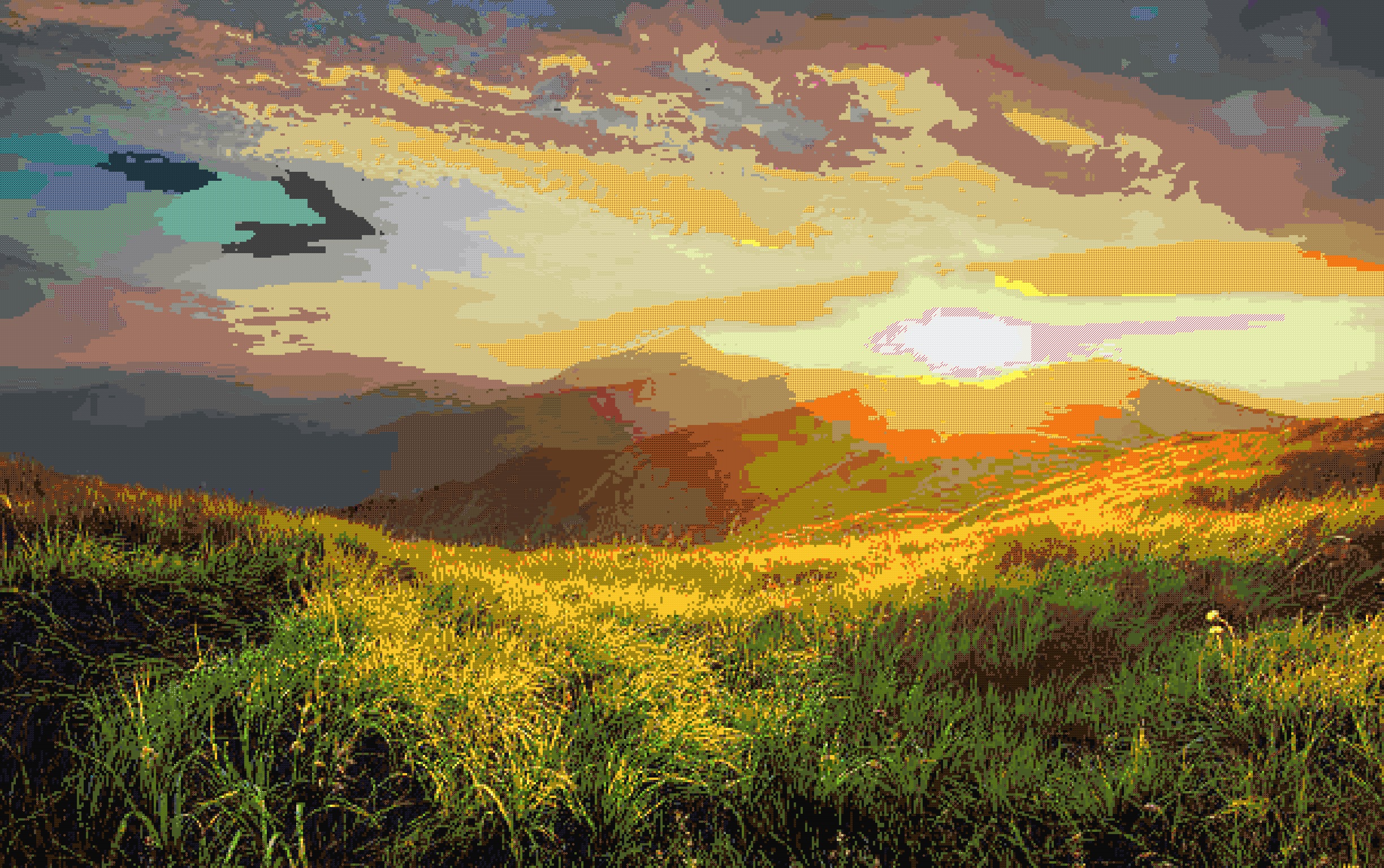
- Inspiration Gallery: Browse user-submitted art like Hololive idols, custom skins, or scenic vistas.
No sign-ups, no watermarks, 100% browser-based—ad-free for premium users.
Build in 3 Effortless Steps
- Upload Freely: Drag JPG, PNG, GIF, or WEBP (up to 10MB).
- Preview & Tweak: Real-time block preview with sliders for size, rotation, flip, and color tweaks.
- Export & Conquer: Copy commands or download files. Paste in-game:
/gamemode creativeand execute!
Pro Tip: For map art, export as 128x128 and use filled maps in item frames. Combine with armor stands for 3D effects!
Powering the Community
Join thousands who've built viral creations—think 3M+ block Hololive portraits or server spawn logos. "Game-changer for my timelapses!" raves a Reddit user. Compatible with Fabric/Forge for enhanced builds.
Updated 2025: New AI enhancements rival tools like HitPaw's converters, but ours is free and Minecraft-native.
Ready to pixelate? Upload now and immortalize your vision! FAQ, tutorials, and support below.
Gallery
Frequently Asked Questions
How do I use the generator?
Simply upload your image, adjust the tile size, and click generate. The tool will automatically create your pixel art.
What image formats are supported?
The generator supports PNG, JPEG, and most common image formats.
How do I use the commands in Minecraft?
Copy the generated commands and paste them into a command block or function file in your Minecraft world.